Buying and budgeting
What an AI receptionist really costs to run
Build a total-cost worksheet that includes setup, usage, integrations, staff review, maintenance, and the work left behind.
Published · Collection dates are retrospective editorial dates.
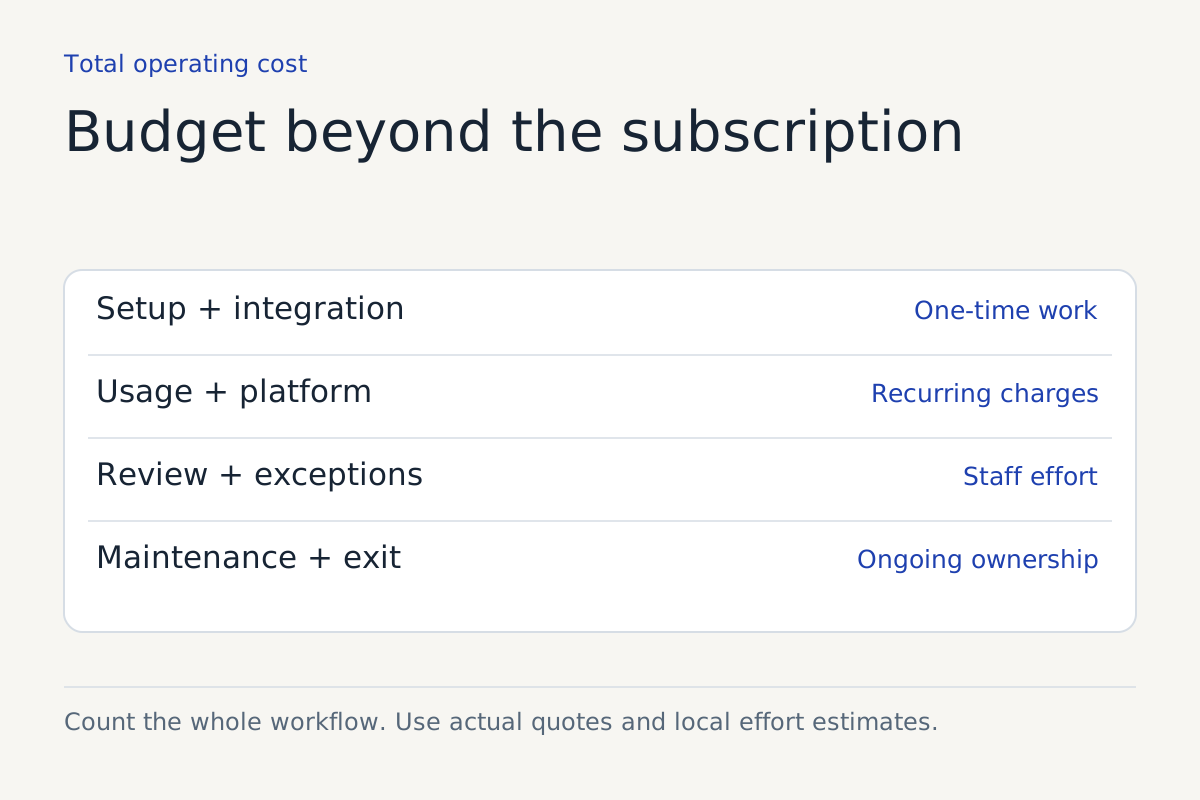
The monthly subscription is only one part of an AI receptionist's cost. Your total also includes preparing the workflow, connecting systems, reviewing work, handling exceptions, and maintaining the arrangement after launch.
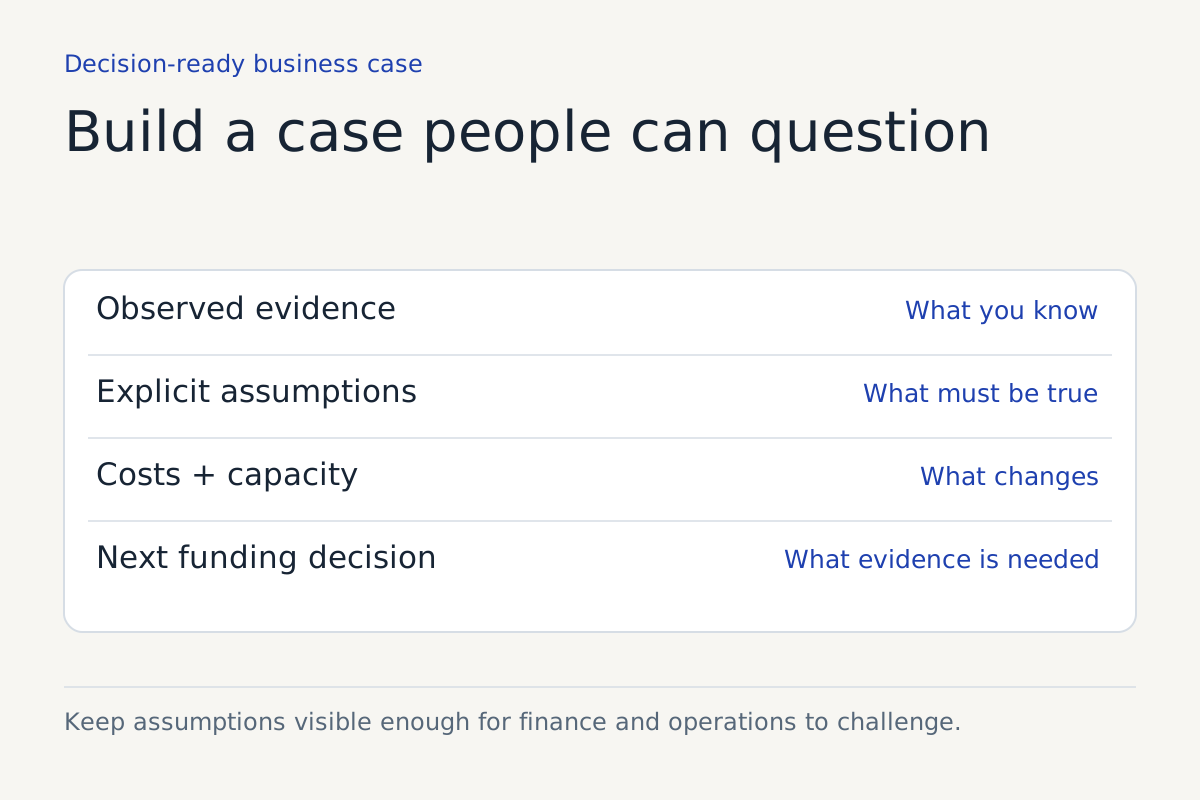
That does not mean the subscription is misleading. It means the vendor's bill and your operating cost answer different questions. A useful budget keeps both visible.
There is no defensible universal price in this article. The amounts below are deliberately hypothetical reader-input examples, not market averages, quotations, or a Kingstone price list. Use your own quote, call records, and staff-cost assumptions before making a decision.
Start with the unit the supplier charges for
Ask the vendor to define the billed unit in writing. It might be a minute, a call, a conversation, an action, or an outcome. These units are not interchangeable.
Find out when billing starts and ends, how partial units are rounded, what transfers do to the meter, and how abandoned or failed calls are treated. Ask about minimum commitments, included usage, overages, concurrency, and features priced separately.
A quote based on your total inbound calls can be wrong if the system will cover only after-hours requests. A quote based on eligible calls can also miss the cost of screening the rest. Give the supplier a workload description that matches the proposed routing.
Put costs in the right period
Separate one-time setup from recurring operations. Then estimate a first-year total and a recurring monthly total. A simple monthly average can hide an expensive initial project or a later maintenance obligation.
| Cost line | What to include | Who supplies the input |
|---|---|---|
| Setup | Discovery, policy preparation, configuration, and acceptance testing | Supplier and internal project owner |
| Usage | Billed units under the actual proposed coverage | Quote plus your call records |
| Integrations | Connector fees, custom work, and external platform charges | Technical owner and suppliers |
| Human review | Time inspecting outputs and correcting records | Operations lead |
| Exception handling | Transfers, callbacks, unsupported requests, and recovery | Frontline team |
| Maintenance | Knowledge updates, tests, permissions, and reporting | Named ongoing owner |
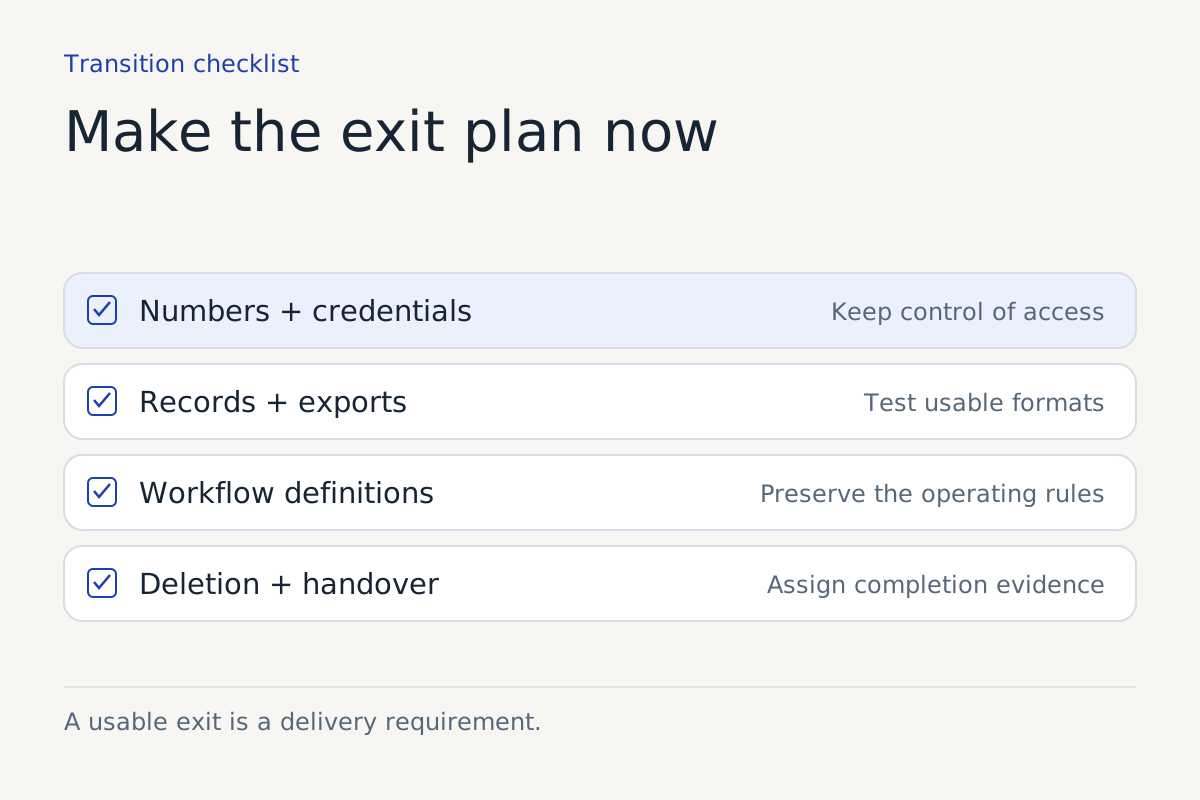
| Exit | Export, transition, number transfer, and deletion work | Procurement and technical owner |
Some costs overlap. If a staff member reviews a request and handles its exception in one sitting, do not count the same minutes twice. Keep the assumptions beside the calculation so another person can check them.
A worked monthly scenario
Suppose a fictional business estimates a monthly vendor charge of $600, recurring integration charges of $100, four hours of review, six hours of exception work, and two hours of maintenance. It uses an assumed loaded staff cost of $30 per hour.
The recurring estimate is:
$600 + $100 + ((4 + 6 + 2) × $30) = $1,060 per month.
Assume setup is $3,000 and an exit reserve is $500. The illustrative first-year estimate becomes:
(12 × $1,060) + $3,000 + $500 = $16,220.
Every figure is an example input. The calculation says nothing about typical vendor pricing, expected staff effort, or likely savings. Its value is showing where apparently small operating obligations enter the budget.
Compare against the work you have now
Build the current-process cost using the same scope and period. Include internal handling, external answering services if relevant, repeat contacts, and corrective work. Avoid treating all unanswered calls as lost sales. Some are duplicates, irrelevant enquiries, or requests that would not produce revenue.
If you want to estimate recovered business, use your own records to identify eligible enquiries and what happened to them. Keep an upside scenario separate from the base budget. An assumed revenue benefit should not quietly cancel a certain subscription cost.
Compare service quality as well as money. A cheaper arrangement that makes unsupported promises can create expensive recovery work. A more expensive arrangement may still be a poor fit if your volume is low or your requests need judgment it cannot provide.
Stress-test the estimate
Change one important input at a time. What happens if average billed duration is longer? If more calls transfer to people? If a policy change requires another round of configuration? If the system handles fewer request types than expected?
Show a low, expected, and high operating scenario using your own ranges. Label them estimates. Do not use precise-looking probabilities unless you have a sound basis for them.
Pay attention to costs that rise together. A seasonal spike can increase usage, exception work, and review simultaneously. A budget that changes only the usage line may understate the busiest period.
Basecamp's guidance on setting scope boundaries offers useful project discipline: decide how much time to invest and shape the work accordingly. Apply that to the setup effort instead of treating every requested feature as essential to the first release.
Take this sheet to the buying meeting
Ask for a sample invoice based on your workload assumptions. Have the supplier show the calculation, identify excluded charges, and state what changes the price. Ask your operations owner to estimate review and exception work independently.
Then name an ongoing budget owner. Usage alerts are useful only if someone receives them and can act. Decide who can restrict coverage, pause a costly action, or question a charge.
A good cost comparison makes the operating commitments visible. You can then decide whether the coverage, quality, and capacity are worth the complete bill, with a clear view of which assumptions still need a pilot.
Sources
For help defining this workflow, explore our AI phone receptionist work.
Keep reading